How Much Is YouTube Premium
Introduction
Let’s be honest for a second. You’re probably reading this because you’re tired of those annoying ads interrupting your favorite videos. Or maybe you want to play music with your phone screen off. Whatever brought you here, you just want a straight answer: how much is YouTube Premium in 2026?
I get it. The pricing seems to change, and there are so many options now it can feel confusing. But don’t worry. I’ve done all the research for you. In this guide, we’ll cover every single plan, every feature, and answer all those related questions like how to cancel YouTube TV and how to download videos without paying a cent. By the time you finish reading, you’ll know exactly which plan fits your life and your budget. No fluff, just real talk and helpful details.
Think of me as your friend who loves YouTube and has tested all these plans. I’ll share what’s actually worth your money and what you can skip. Sound good? Let’s dive in.
What Exactly Is YouTube Premium Anyway?
Before we talk dollars and cents, let’s make sure we’re on the same page about what this service actually gives you. YouTube Premium used to be called YouTube Red back in the day. Remember that? It’s grown up a lot since then .
At its heart, YouTube Premium is a paid membership that removes ads from every video you watch. But it’s so much more than that now. When you sign up, you also get YouTube Music Premium, which is Google’s full music streaming service. That means you can listen to almost any song ever made without commercials. Pretty sweet deal, right?
You also get background play. This is huge if you love listening to podcasts, interviews, or music on YouTube. Your video keeps playing even when you switch apps or lock your phone. And then there’s offline downloading. You can save videos to your phone or tablet and watch them later without using data. Perfect for plane trips or long commutes where signal gets spotty.
The best part? All your favorite creators still get paid when you watch their content. YouTube shares some of your subscription money with them based on how much you watch . So you’re supporting the people you love while getting a better experience. Everybody wins.
How Much Is YouTube Premium? Breaking Down Every Plan
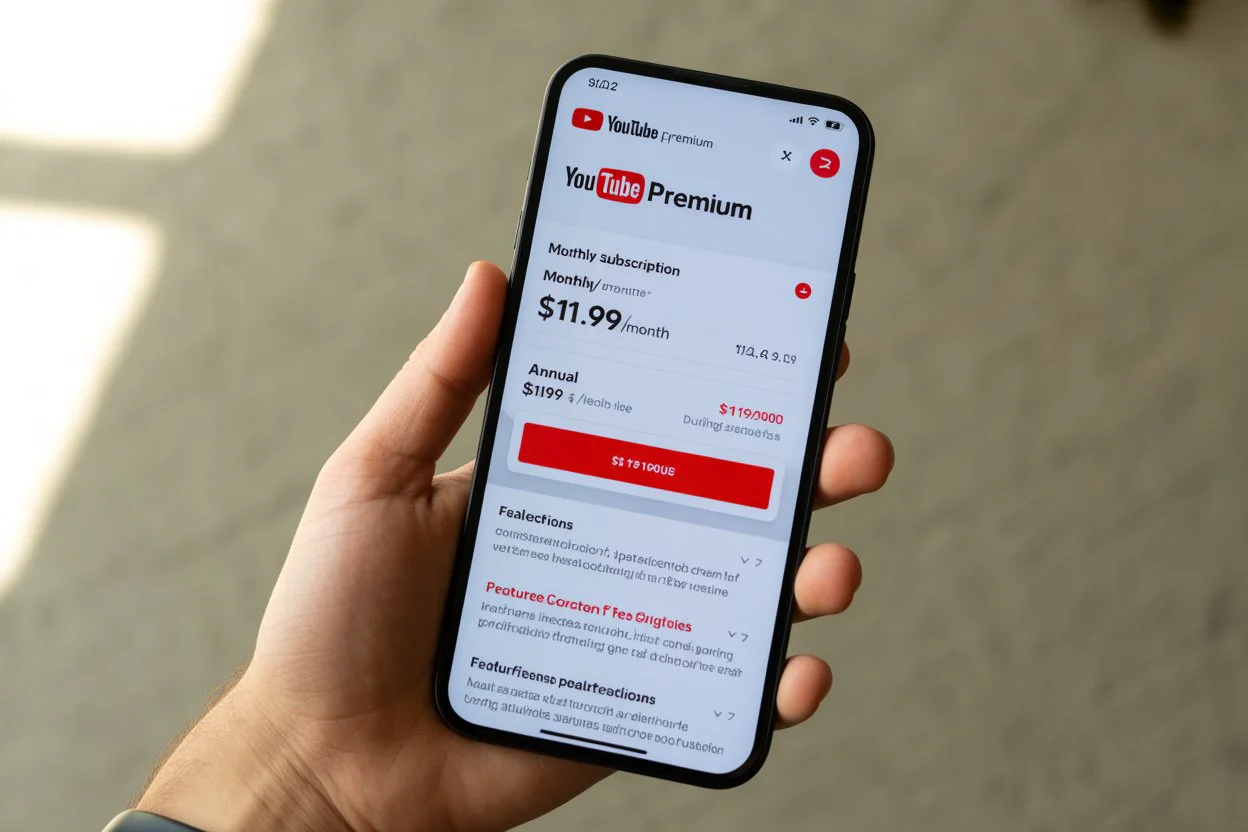
Okay, let’s get to the main question you came here for. How much is YouTube Premium in 2026? The answer depends on which plan fits your situation. YouTube now offers several options so you only pay for what you actually need .
Here’s the complete breakdown in an easy-to-read table:
| Plan Name | Monthly Price | Best For | Key Features |
|---|---|---|---|
| Individual | $13.99 | One person | No ads, background play, downloads, YouTube Music |
| Student | $7.99 | College students | Same as Individual, must verify yearly |
| Family | $22.99 | Up to 5 family members | Everyone gets own account, separate watch history |
| Premium Lite | Varies by region | Casual viewers | Ad-free videos only, no music or downloads |
| Two-Person Plan | Testing phase | Couples, roommates | Share with one other person, full benefits |
The Individual plan costs $13.99 per month in the United States. This is the standard option most people choose. You get everything: no ads, background play, offline downloads, and full access to YouTube Music Premium. It’s a solid deal if you watch YouTube regularly .
Students get the best discount. At just $7.99 monthly, it’s nearly half price. You do need to verify your student status every year, but that’s easy to do through SheerID. If you’re in college, this is absolutely the way to go .
Families can grab the Family plan for $22.99 monthly. This covers up to five people over 13 living in the same household. Everyone gets their own login and their own recommendations. No more mixing up your watch history with your kids’ cartoons .
The New Premium Lite: What’s Different?
YouTube heard something important from users. Not everyone needs music streaming or offline downloads. Some people just want to watch videos without ads. That’s why Premium Lite exists .
Premium Lite costs less than full Premium, but it gives you fewer features. You still get an ad-free experience across most videos. However, you lose background playback and the ability to download videos. You also don’t get YouTube Music access.
Is it worth it? That depends entirely on how you use YouTube. If you mainly watch videos on your computer or TV and never listen with your phone locked, Lite could save you money. But if you ever want to listen to music or podcasts while doing other things, you’ll miss background play.
Right now, Premium Lite is rolling out in different countries at different prices. In the US, it’s still being tested. In South Korea, it recently launched at about $6.50 monthly . Keep an eye out for it if you want a cheaper ad-free option.
Two-Person Plan: Perfect for Couples
Have you ever wished you could share Premium with just one other person without paying for a full Family plan? YouTube is testing exactly that .
The two-person plan launched in India, France, Taiwan, and Hong Kong in 2025. It lets you share all Premium benefits with one other person in your Google family group. In India, it costs about $2.60 monthly, while the Family plan there is around $3.55. If it comes to the US, experts estimate it’ll land near $16 monthly .
This plan makes so much sense for couples, college roommates, or single parents with one teen. You get the same features as Individual but split the cost. Both people get their own accounts and recommendations. No fighting over watch history.
YouTube hasn’t announced when this might hit the US market. But they’re testing it seriously, so I’d expect to see it sometime in 2026 or early 2027. For now, if you’re in a test region, grab it. It’s a fantastic value.
How to Cancel YouTube TV When You’re Ready
Sometimes you need to cut costs or just take a break from streaming. Knowing how to cancel YouTube TV is simple once you know where to look .
First, open the YouTube TV app or go to the website on your computer. Click your profile picture in the top right corner. Then head to Settings and find Membership. Click Manage, then select Cancel Membership. That’s literally it.
Here’s something cool though. YouTube TV now lets you pause instead of cancel. You can pause for anywhere between four weeks and six months . Your settings and DVR recordings stay safe during the pause. When your pause ends, everything starts back up automatically. This is perfect if you’re traveling or just need a budget break.
If you cancel completely, you keep access until your billing cycle ends. Your DVR recordings hang around for 21 days in case you come back . After that, they’re gone. So if you think you might return, pausing is smarter than canceling.
One important note: if you signed up through a mobile carrier or internet provider, you must cancel through them directly . YouTube can’t touch those subscriptions.
How Much Is YouTube TV These Days?
While we’re talking pricing, let’s quickly cover YouTube TV. It’s easy to confuse with YouTube Premium, but they’re totally different services. YouTube TV is live television, like cable but streaming over the internet .
The base YouTube TV plan now costs $82.99 monthly. That gives you over 100 channels, unlimited DVR storage, and up to six accounts per household. But here’s exciting news from February 2026. YouTube TV just launched cheaper genre-based packages .
You can now get a Sports plan for $64.99 monthly. It includes ABC, CBS, Fox, NBC, ESPN networks, FS1, and more. Sports plus News runs $71.99. An Entertainment package costs $54.99 and includes channels like FX, Bravo, Comedy Central, and HGTV. Families can grab News plus Entertainment plus Family for $69.99, adding Disney Channel, Nickelodeon, and PBS Kids .
New subscribers get even better introductory pricing for the first few months or first year. This is huge if you’ve wanted YouTube TV but found the full price too high. Now you can pick exactly what you watch and save money.
Is YouTube Down? How to Check Quickly
We’ve all been there. You settle in to watch your favorite channel, and nothing loads. Your first thought is probably “is YouTube down?” before you blame your Wi-Fi .
The fastest way to check is visiting downdetector.com. They show live outage maps and user reports. If lots of people are reporting issues, it’s YouTube’s problem, not yours. You can also check Twitter or Reddit by searching “YouTube down” to see if others are complaining.
Sometimes it’s regional outages. YouTube might be working fine in New York but down in California. Downdetector helps you see the geographic spread. If the outage is near you, just wait it out. These usually get fixed within hours.
If the problem seems isolated to you, try restarting your router or clearing your app cache. Force closing and reopening the app fixes many small glitches. And always check if your internet works on other sites first. That saves you from blaming YouTube for your own connection issues.
How to Download a YouTube Video for Free
Want to save videos without paying for Premium? I’ve got you covered. There are legitimate free ways to how to download a YouTube video without breaking any rules .
ClipGrab is my personal favorite free tool. It works on Windows, Mac, and Linux. You just copy the video link, paste it into ClipGrab, pick your format, and hit download. It usually grabs videos in good quality. Just watch during installation because it sometimes tries to add extra software you don’t want. Uncheck those boxes and you’re fine .
For higher quality up to 4K or 8K, try 4K Video Downloader. The free version lets you grab videos and even whole playlists, but limits playlists to 24 videos. It also has an Android app, which is super handy for phone users. iPhone folks are out of luck here though .
WinX Video Converter offers another option. The free version includes a working YouTube downloader with no time limits on downloads. However, conversion features are limited to five minutes unless you pay. Expect lots of upgrade prompts, but the downloader itself works great .
A quick word of caution. Stay away from online sites like Y2Mate. They’re often filled with misleading ads and potential malware risks. Desktop software is much safer and more reliable. Your computer will thank you .
New AI Features Coming to Premium
YouTube Premium keeps getting better. In 2025 and 2026, they’ve rolled out some seriously cool AI-powered features that make the subscription even more valuable .
One feature called “Ask Music” lets you build custom playlists just by typing what you want. Type “chill beats for rainy mornings” and AI builds it instantly. It’s like having a personal DJ who reads your mind. Perfect for discovering new music that fits your exact mood .
Conversational AI is another game changer. While watching a video, you can ask questions about the content. The AI answers in real time. Imagine watching a cooking video and asking why the chef used that specific ingredient. It makes learning from videos so much more interactive .
Premium members also get early access to experimental features through youtube.com/new. You can test things like 4x playback speed before anyone else. Your feedback actually shapes what YouTube rolls out to everyone. That’s pretty cool when you think about it .
These features show YouTube isn’t just resting on its ad-free model. They’re actively building things that make Premium genuinely better than the free version. If you’re a power user, these AI tools alone might justify the subscription.
Frequently Asked Questions
How much is YouTube Premium after free trial?
After your one-month free trial ends, you’ll pay the full monthly rate for whichever plan you chose. Individual is $13.99, Student is $7.99, and Family is $22.99. Mark your calendar so you’re not surprised by the first charge .
Can I share my YouTube Premium with family?
Yes, but only through the Family plan. It costs $22.99 monthly and covers up to five family members over 13 living in the same household. Everyone gets their own account and recommendations .
What happens to my downloads if I cancel?
You lose access to downloaded videos when your membership ends. They’ll stay on your device but won’t play until you resubscribe. So watch those downloaded videos before canceling .
Does YouTube Premium include YouTube Music?
Absolutely. Full Premium plans bundle YouTube Music Premium at no extra cost. You get ad-free music, background listening, and offline downloads for songs. It’s like getting two services for one price .
How do I cancel YouTube Premium?
Go to youtube.com/paid_memberships, click Manage Membership, then select Deactivate or Cancel. You keep benefits until the billing cycle ends, so use those downloads while you can .
Is the two-person plan available in the US?
Not yet. YouTube is testing it in India, France, Taiwan, and Hong Kong. If successful, it will likely roll out to more countries including the US later in 2026 or 2027 .
Conclusion
So now you know exactly how much is YouTube Premium in 2026. Whether you choose Individual at $13.99, Student at $7.99, or Family at $22.99, you’re getting real value. No ads, background play, offline downloads, and YouTube Music all in one package. Plus those new AI features make watching even better.
My advice? Start with the free trial. Use it for a month and see if you miss the ads when they’re gone. Test background play while exercising or commuting. Download some videos for your next trip. You’ll know pretty quickly if Premium fits your life.
And remember those related tips we covered. Pause YouTube TV instead of canceling if you need a break. Use safe desktop software for free downloads. Check Downdetector when videos won’t load. These small tricks make your whole YouTube experience smoother.
Have you tried YouTube Premium yet? What feature matters most to you? Drop your thoughts in the comments below. I’d love to hear how you use YouTube and whether going ad-free changed your viewing habits. Here’s to endless entertainment without interruptions
You may also like to read about :Anna Sawai
About the Author